Currently in Development

StreetPass for
your Music

Walk past someone and instantly discover their current music taste. Express yourself, share your tunes, and connect via Bluetooth.
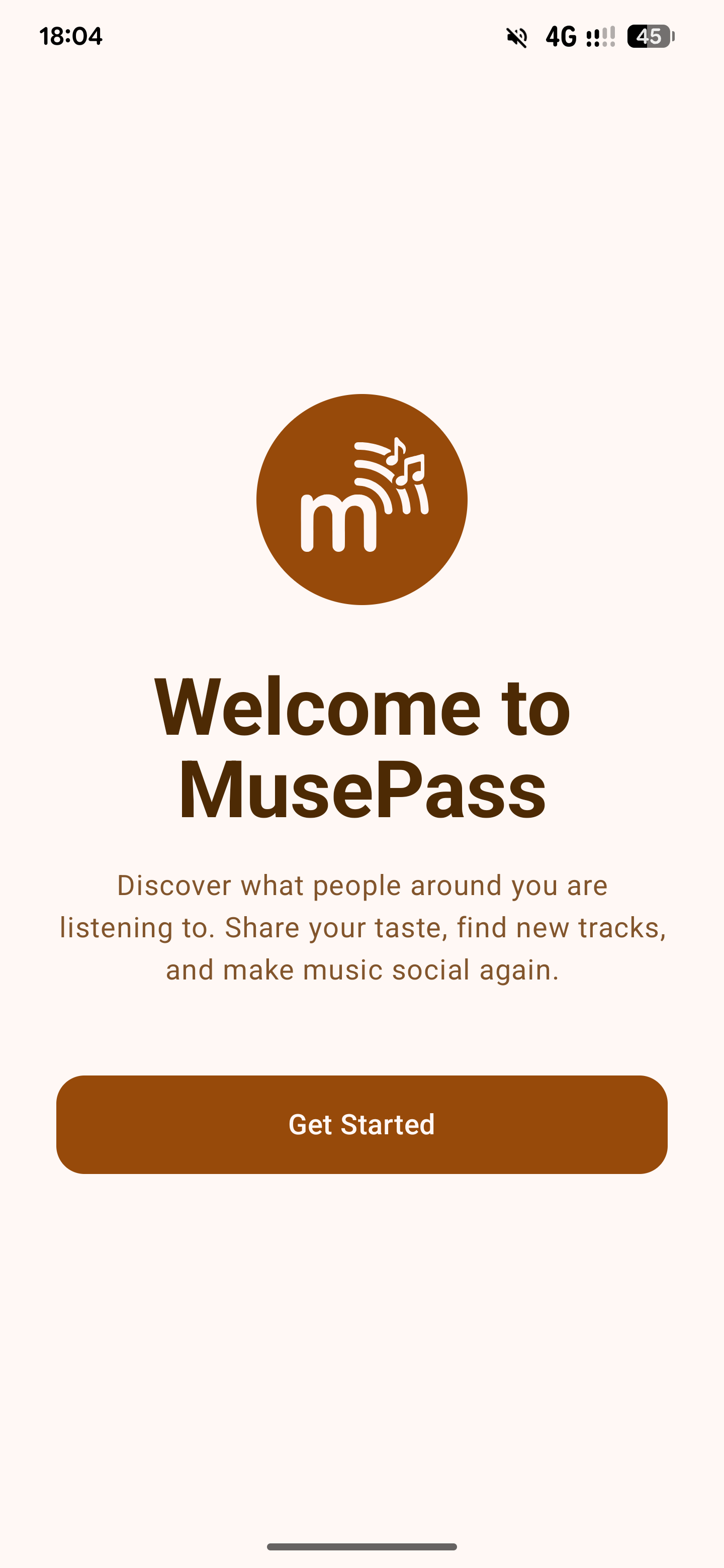
MusePass Welcome Screen

Good music taste? Passed!

Seamlessly share your music taste and discover music others are listening to using low-energy Bluetooth, completely localized and private.

Passive Discovery

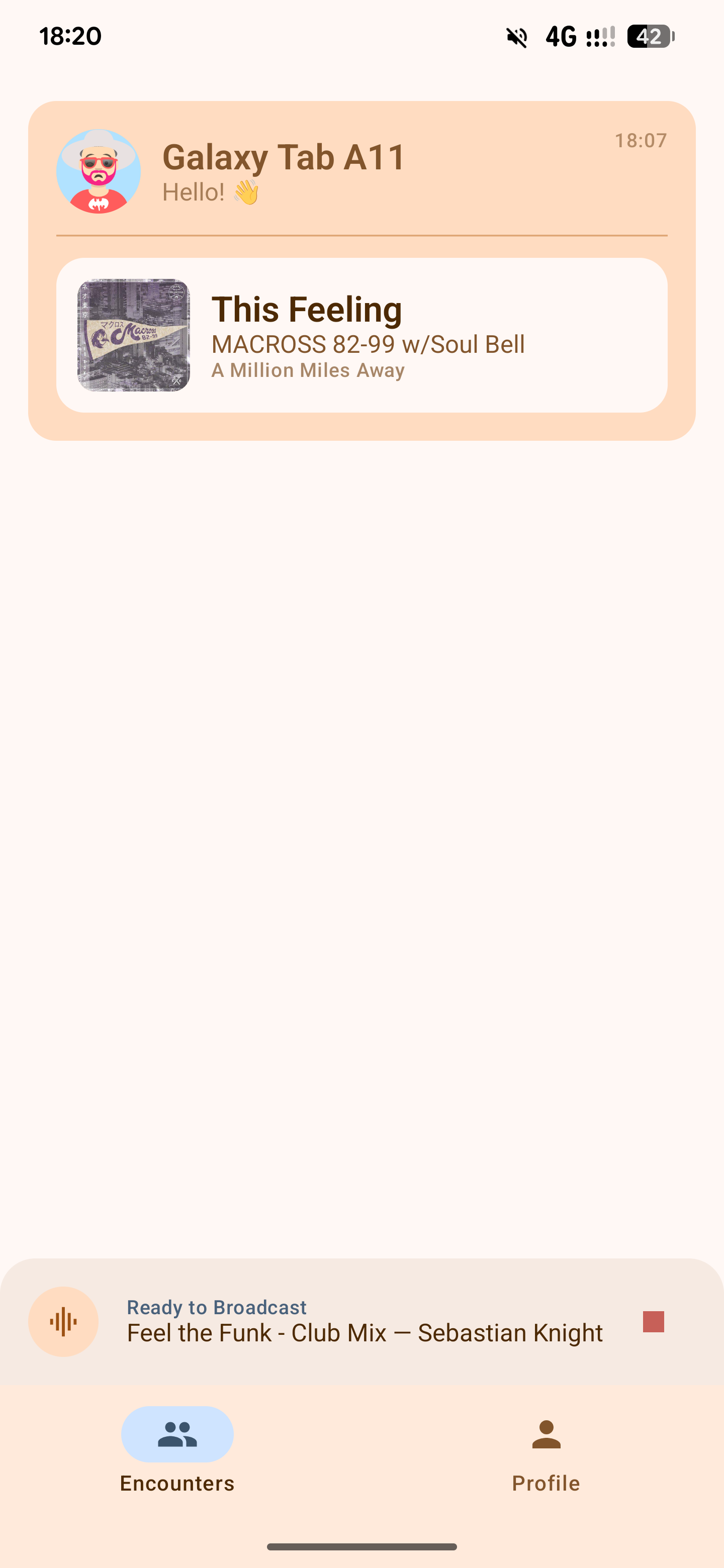
Keep the app in the background. As you pass by other users, you automatically log their currently playing or last played track.

Create Your Avatar

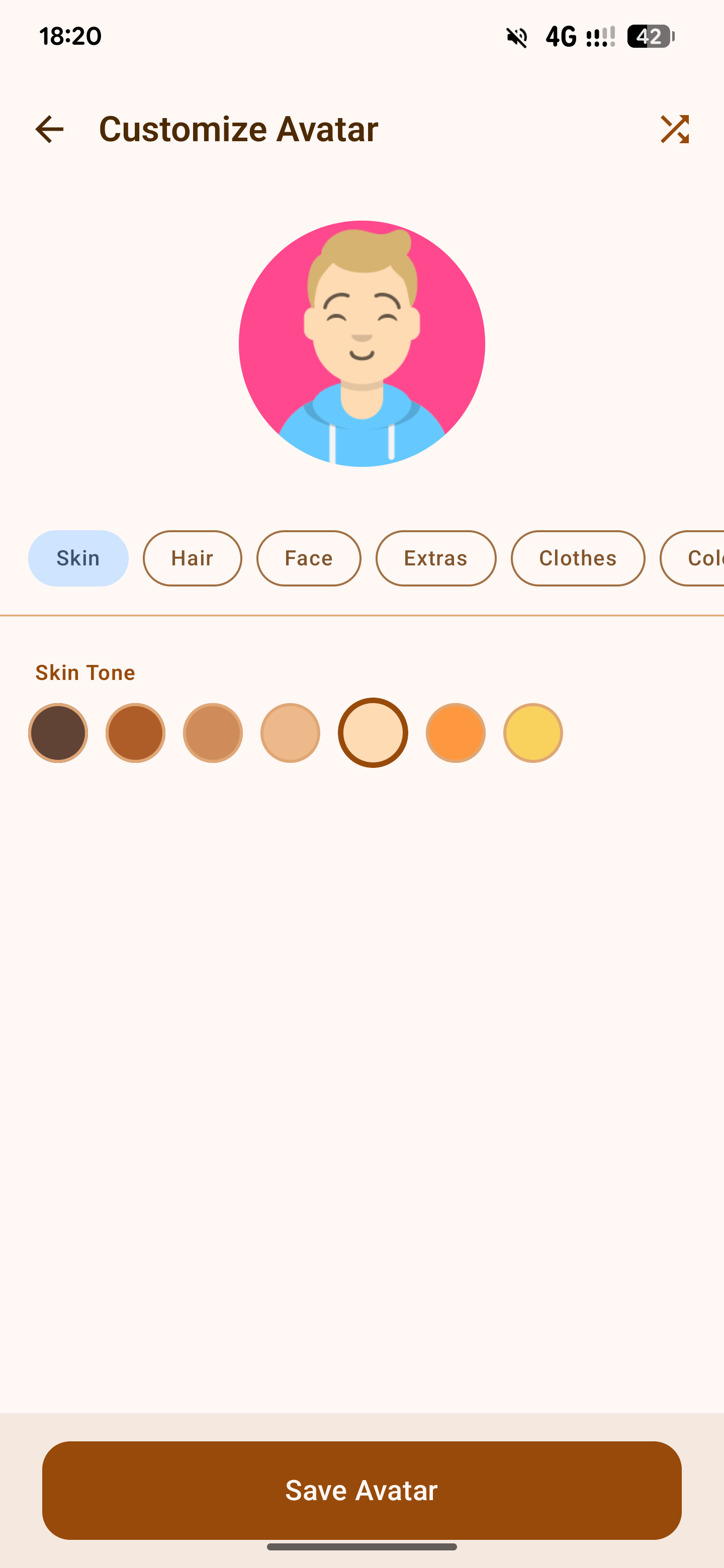
Create your own unique avatar, built upon the Avataaars library. Choose your style, colors, and clothing to represent yourself to the world around you.

Social Links

Attach a social media link right to your MusePass profile. Met someone with great taste? You're set to connect!

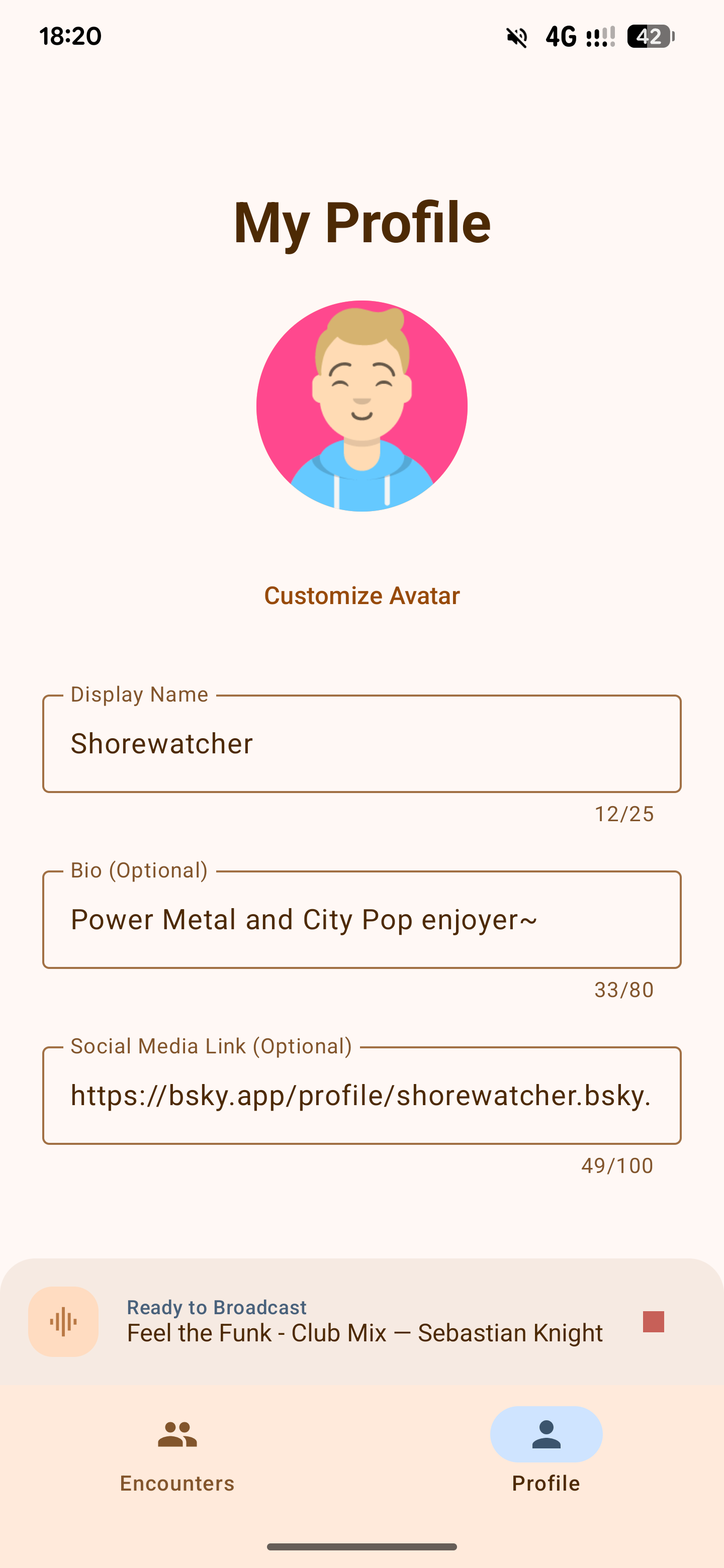
Screenshots

An interface built on Material Design principles for a clean look.

Encounters Feed
User Profile
Avatar Maker

Get MusePass

Available via F-Droid. Open-source and privacy-respecting.

1

Install F-Droid

If you haven't already, install the alternative app store for Android. (Until MusePass is on the Play Store!)

Download F-Droid
2

Add Repository

Tap the button below on your phone to automatically add the custom repo.

Add to F-Droid
3

Install the App

Once the repository updates, search for "MusePass" and install the app.

4

Accept Permissions and Start!

Launch the app, accept the requested permissions, and start MusePassing!